 Sunday Notes AI
Record the sermon. Get every verse.
Press record when preaching starts, then put your phone away. Sunday Notes AI transcribes the audio. It links each Bible reference. It writes a summary with numbered takeaways. It creates shareable cards from verses and quotes.
No account required · The app stores your archive on your phone
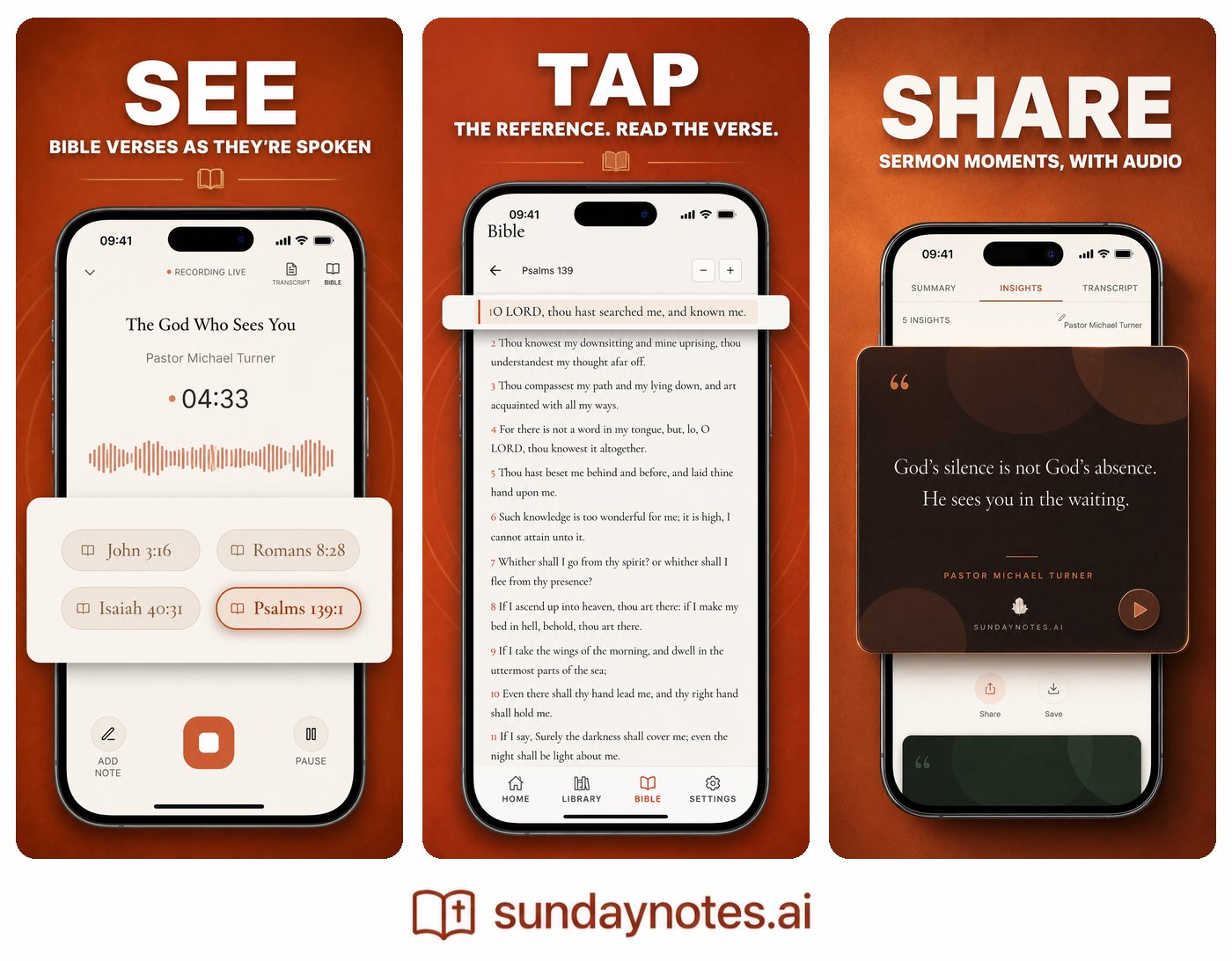
Press record. The app handles five tasks.
Recording, verse linking, summarization, storage, and sharing.
-
01
Record the full sermon
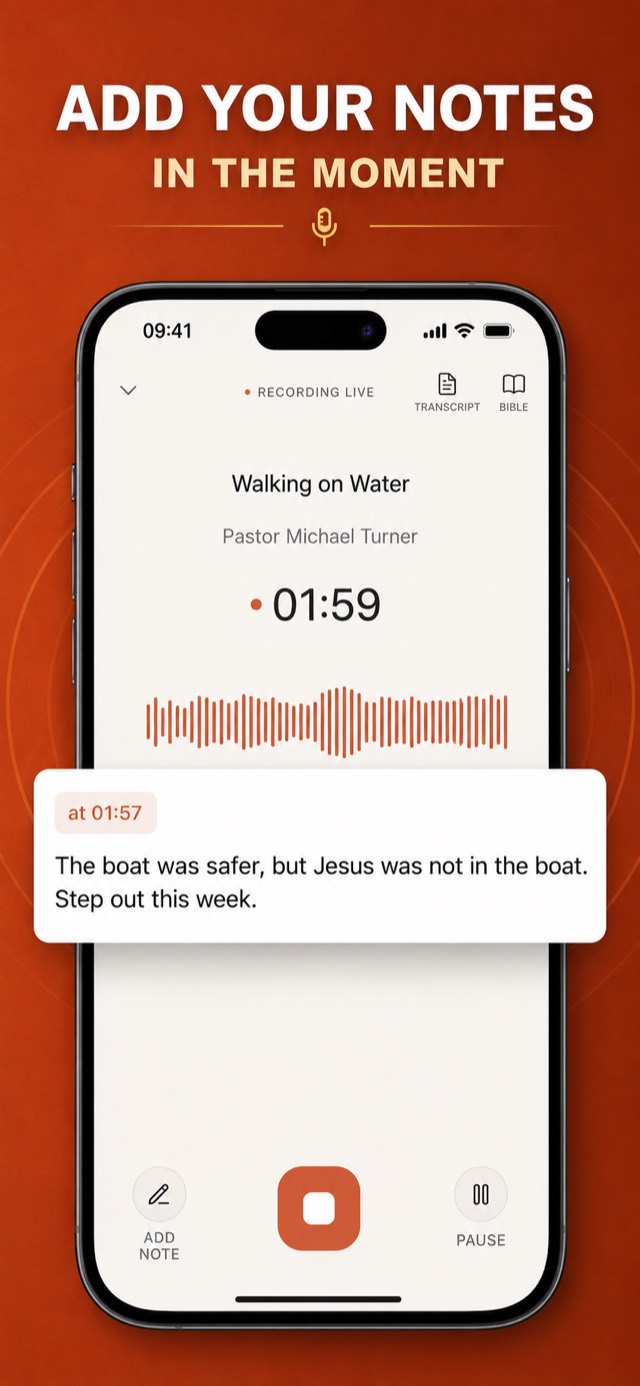
Press record when the message starts, then put the phone face-down. The app keeps recording while you listen.
-
02
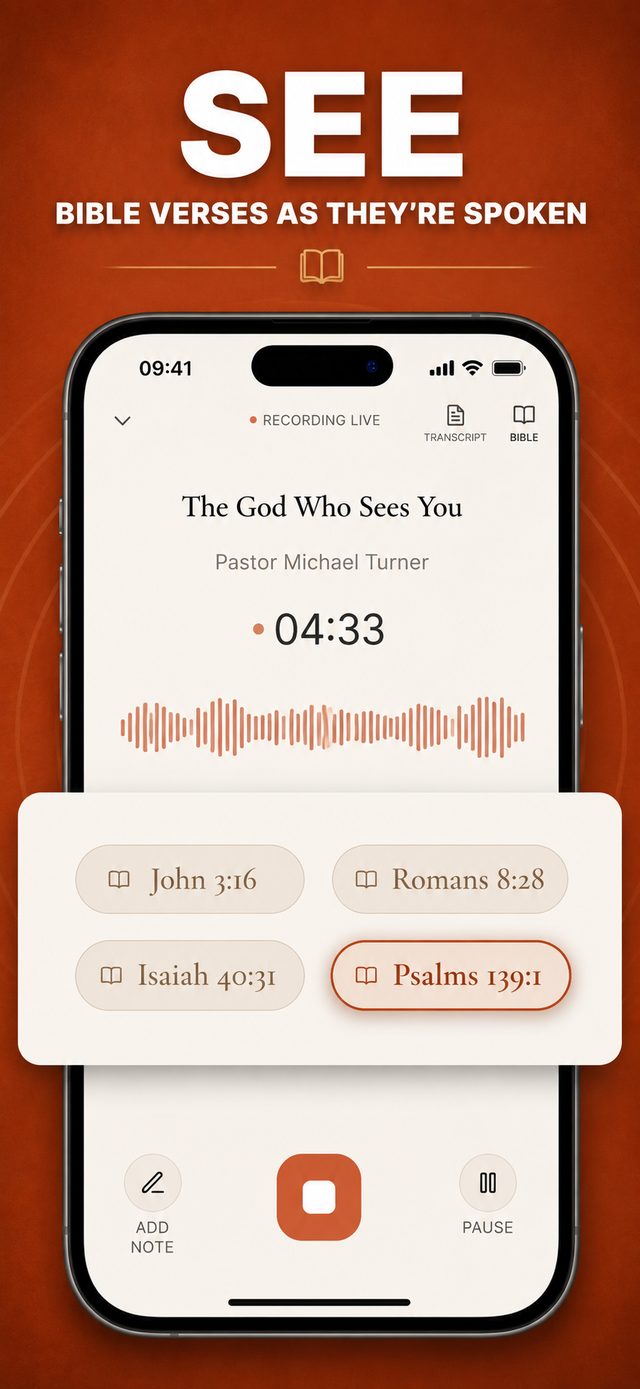
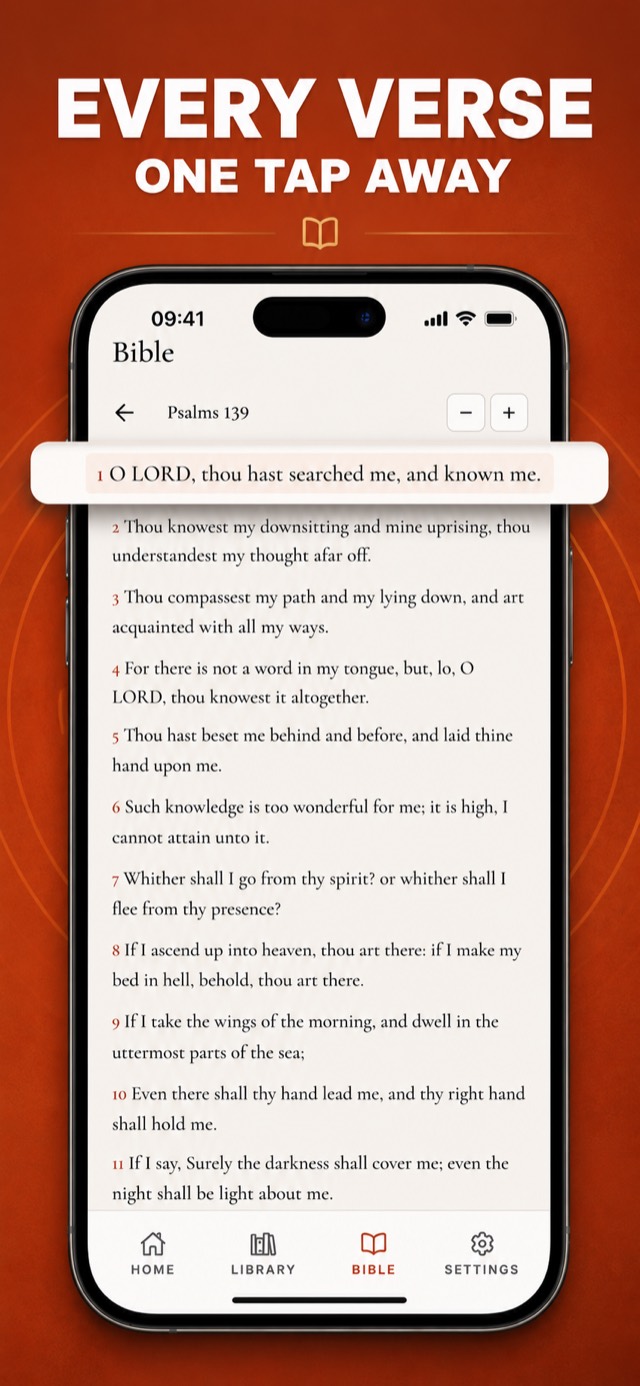
Open each verse as the pastor names it
The app adds each named Bible reference as a tappable chip. Tap one to open the full passage in the built-in King James Bible.
-
03
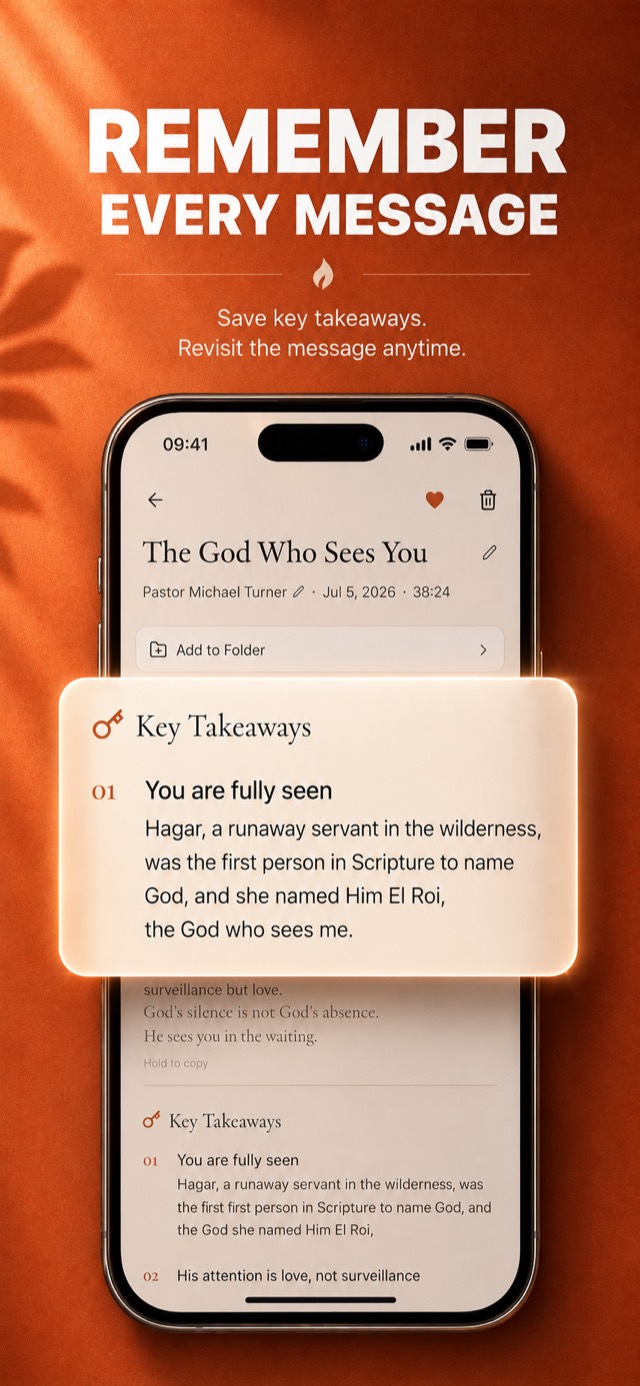
Read the summary and numbered takeaways
The app turns the transcript into a summary and numbered takeaways. Read them in about a minute.
-
04
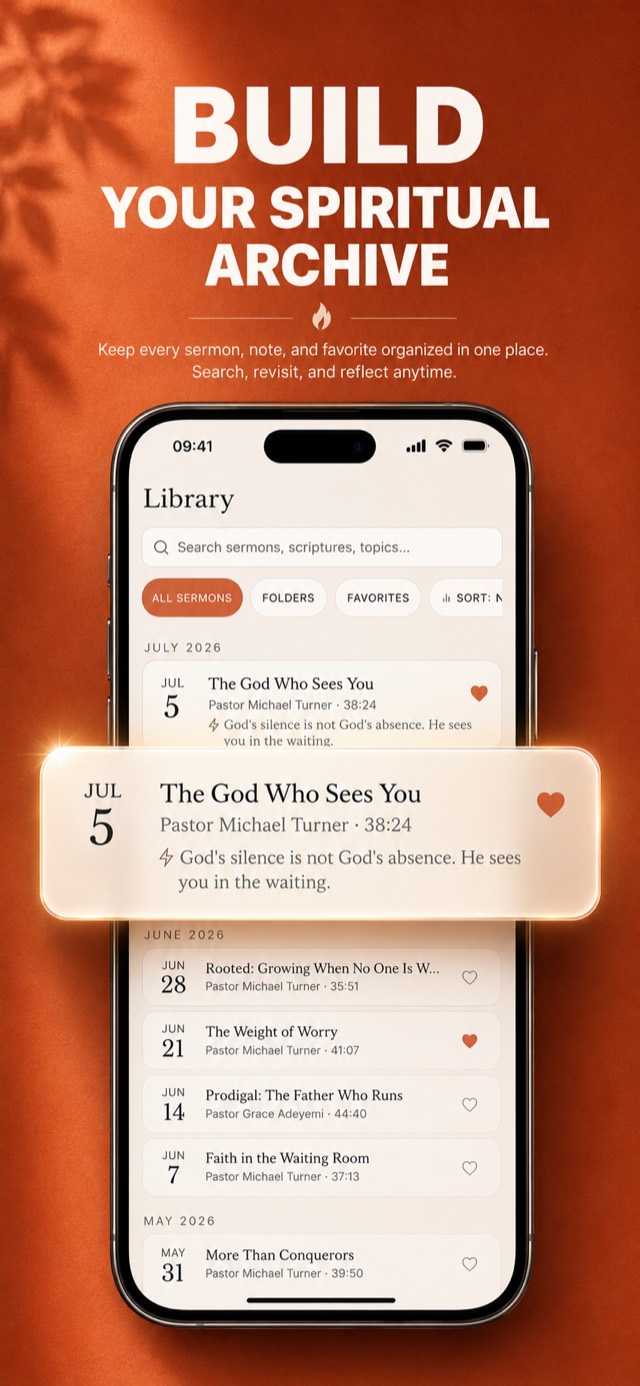
Search previous sermons
The app saves each sermon with its date, summary, takeaways, verses, and your notes. Search the archive to open it again.
-
05
Save or share a verse or quote
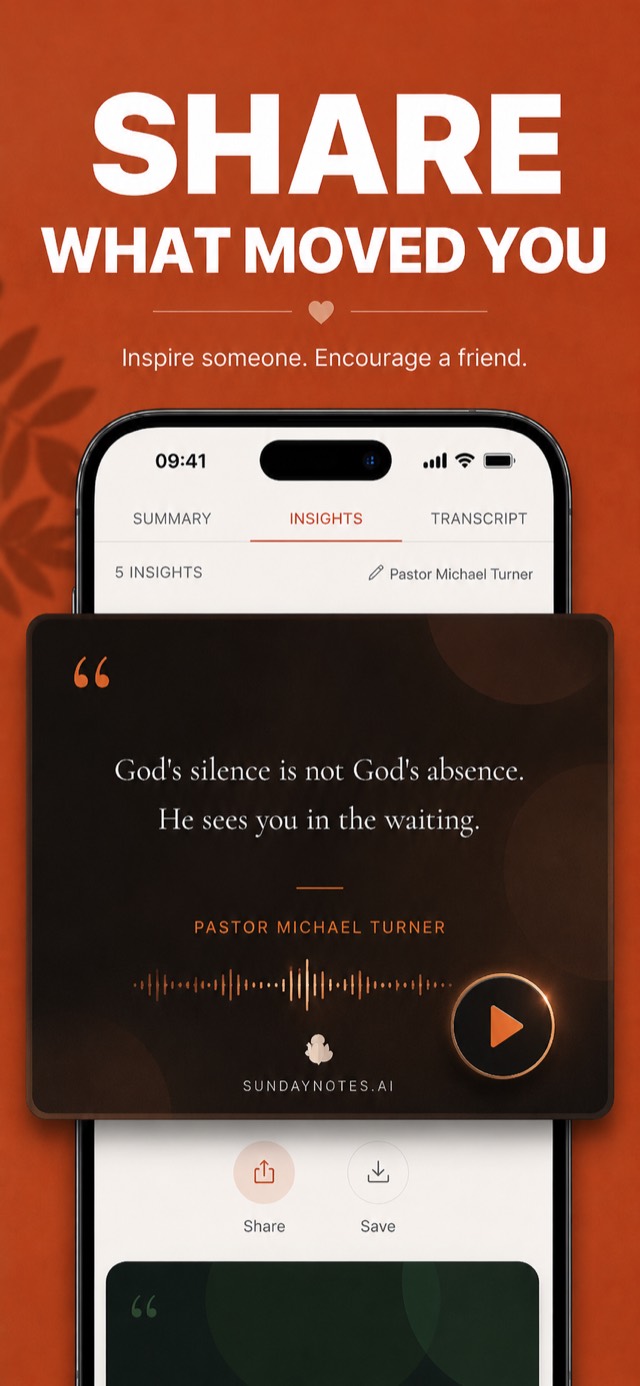
Select a verse or quote. The app formats it as an image you can save or share.
See what the app saves.
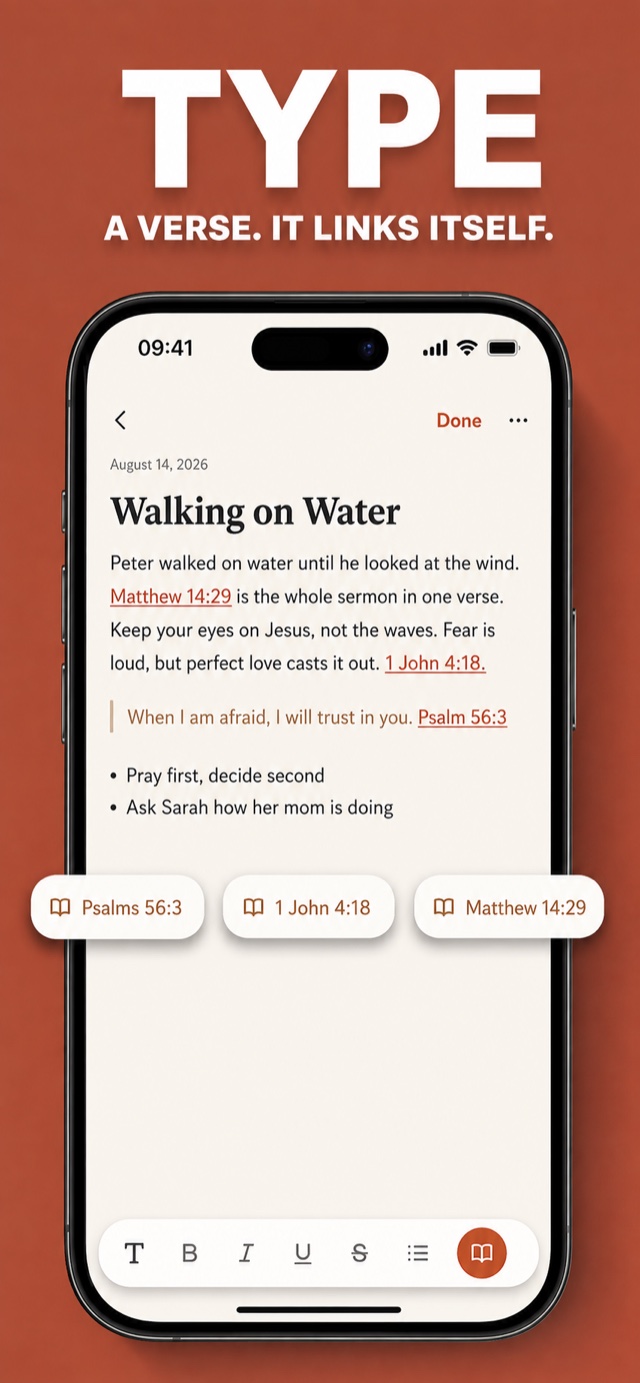
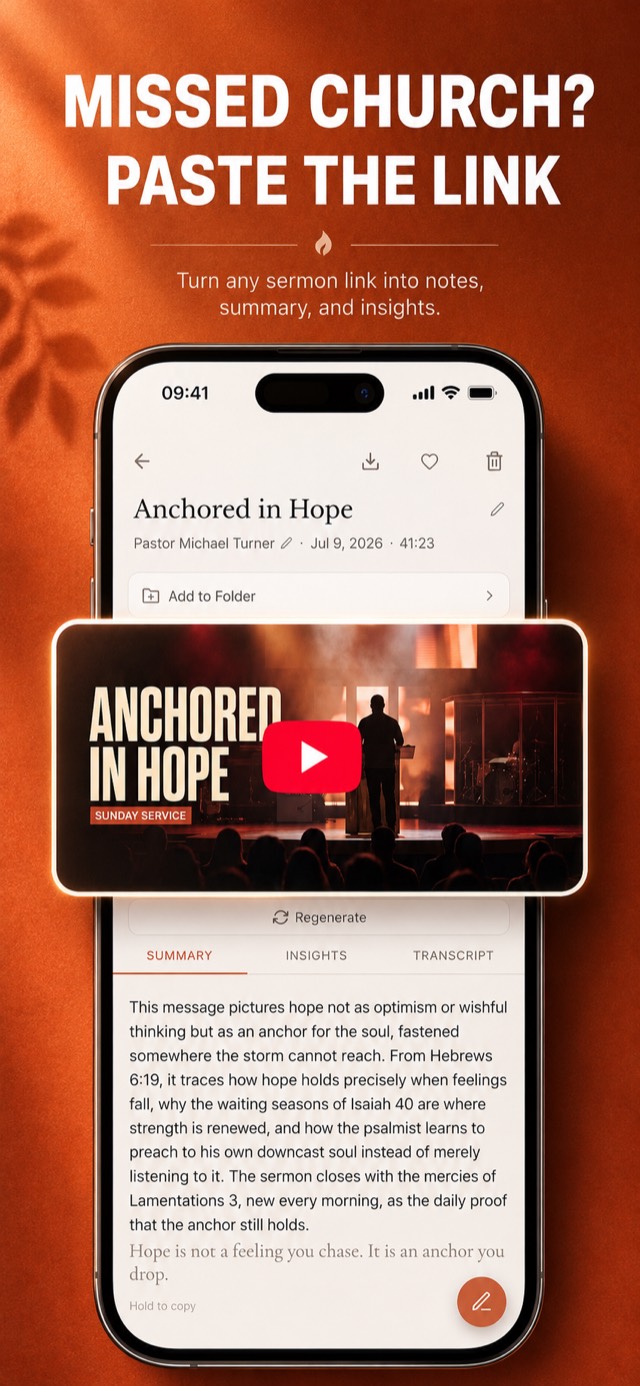
Swipe through verse links, summaries, shared cards, YouTube imports, notes, and sermon search. Notes are free. Type a Bible reference and the app turns it into a tappable link.
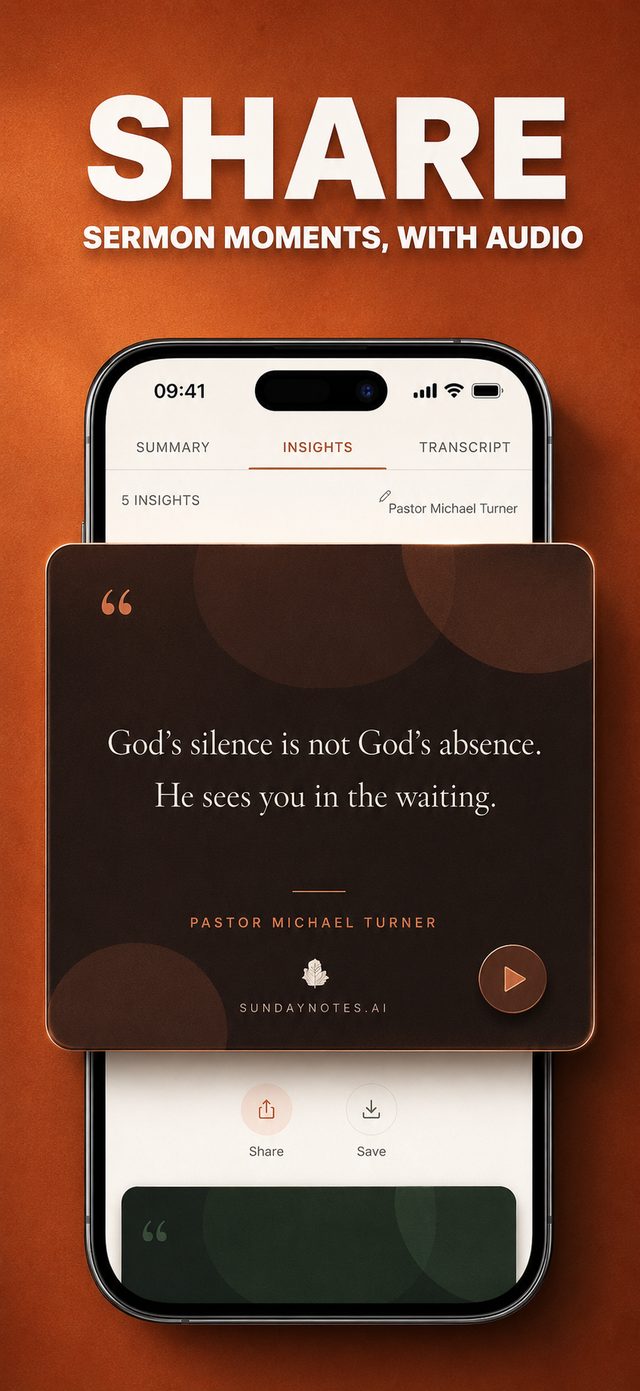
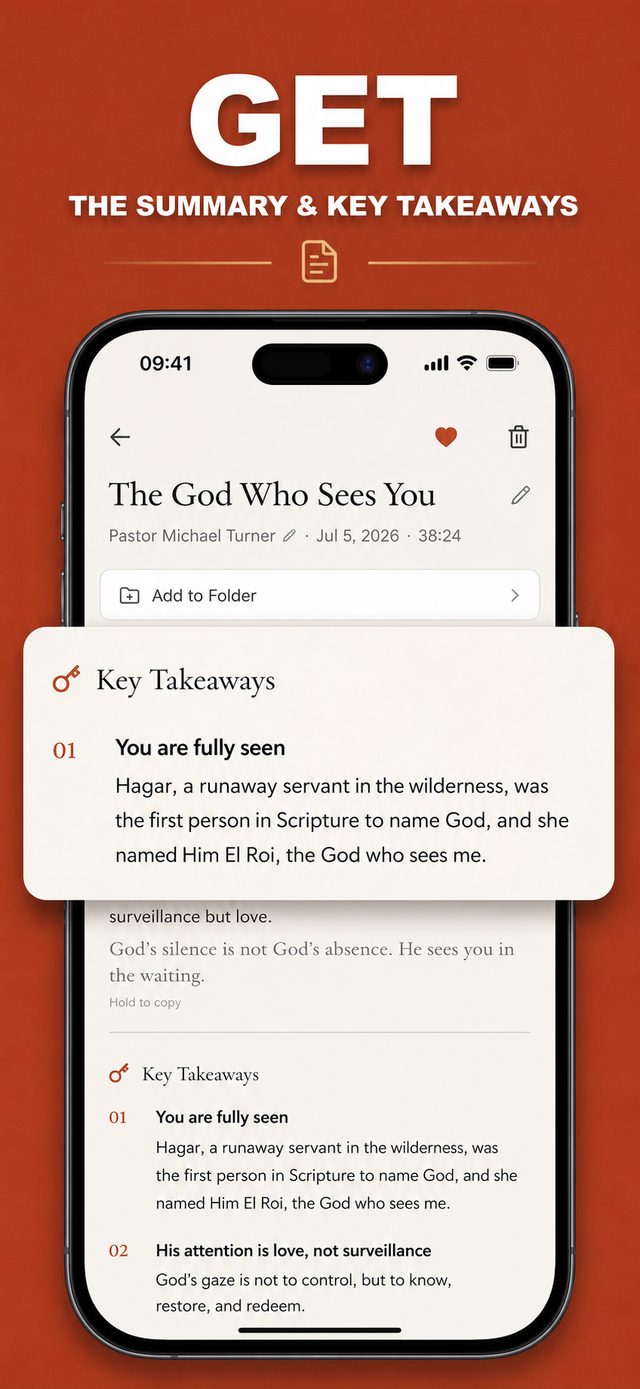
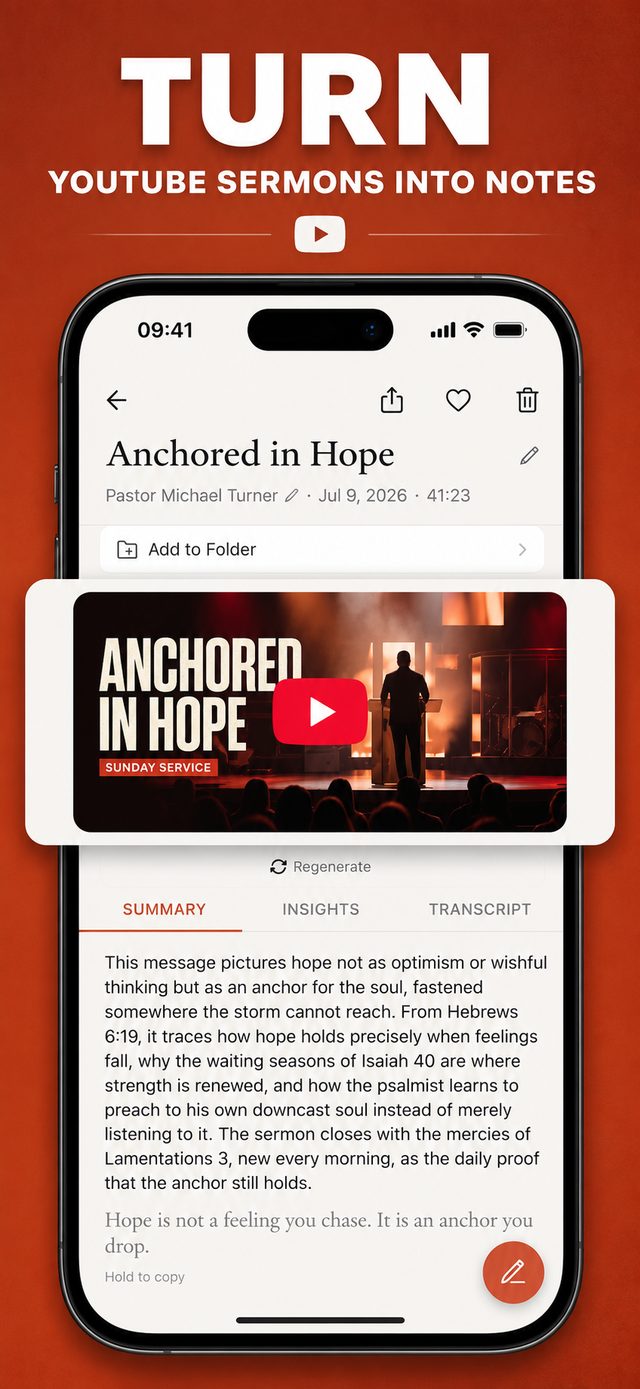
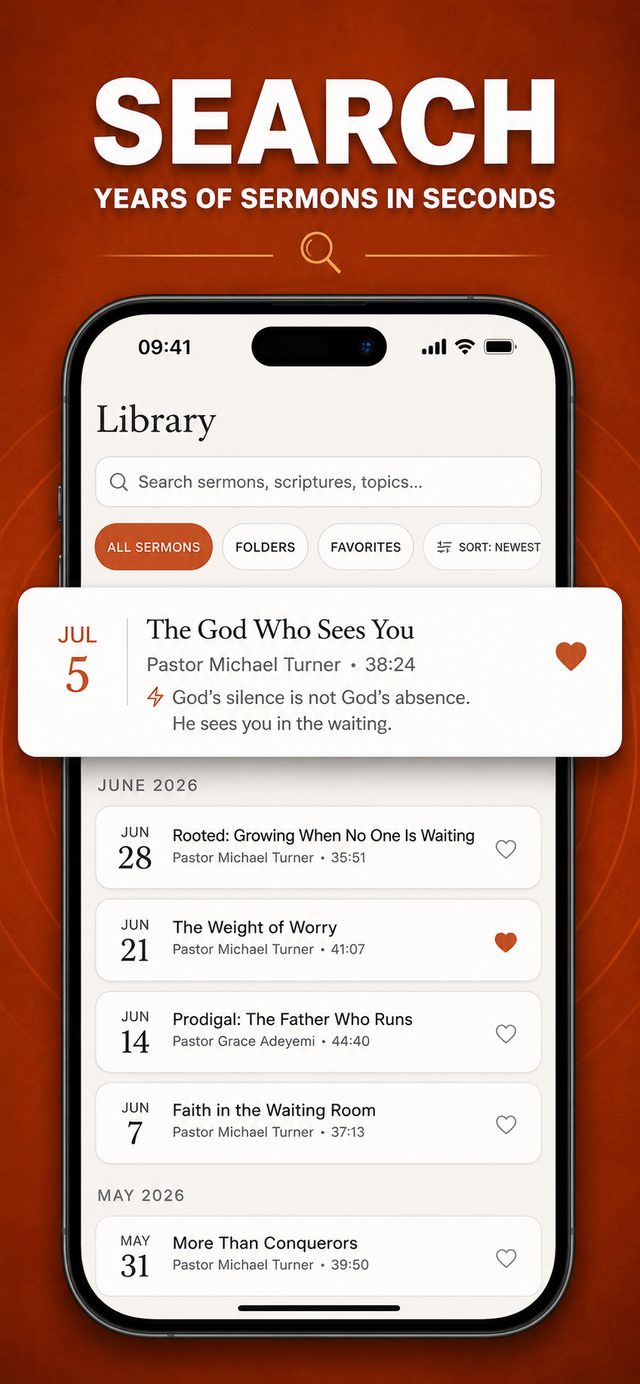
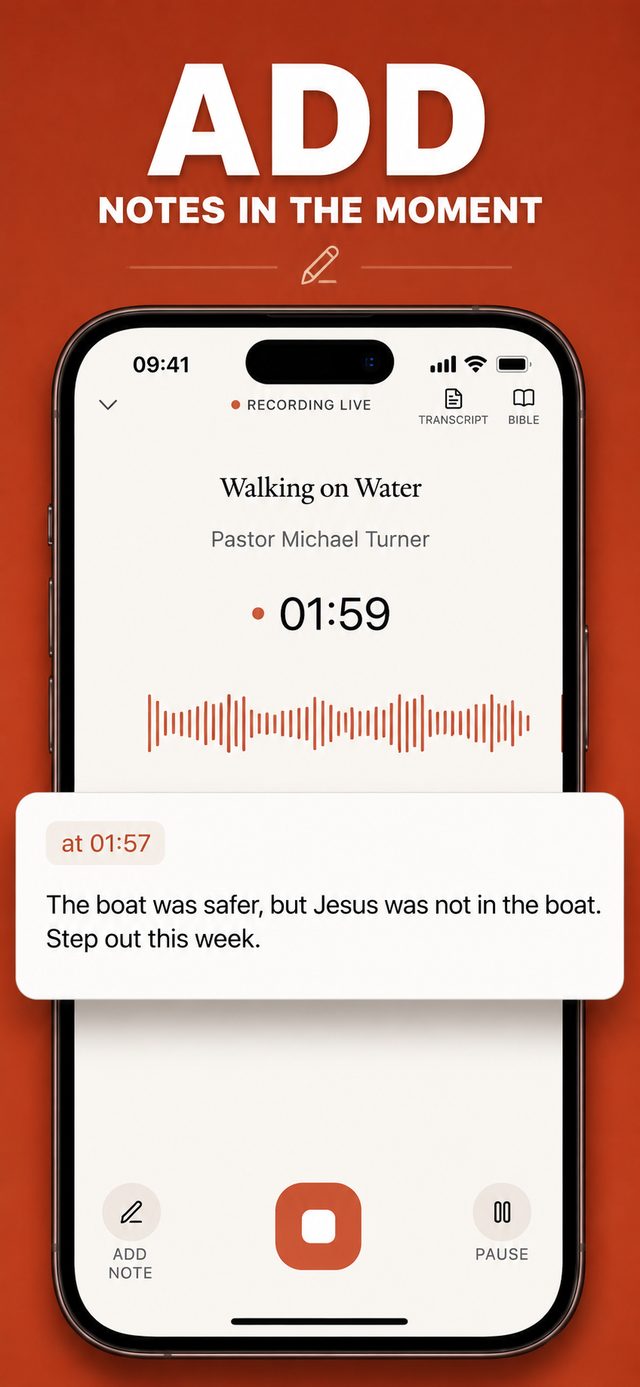
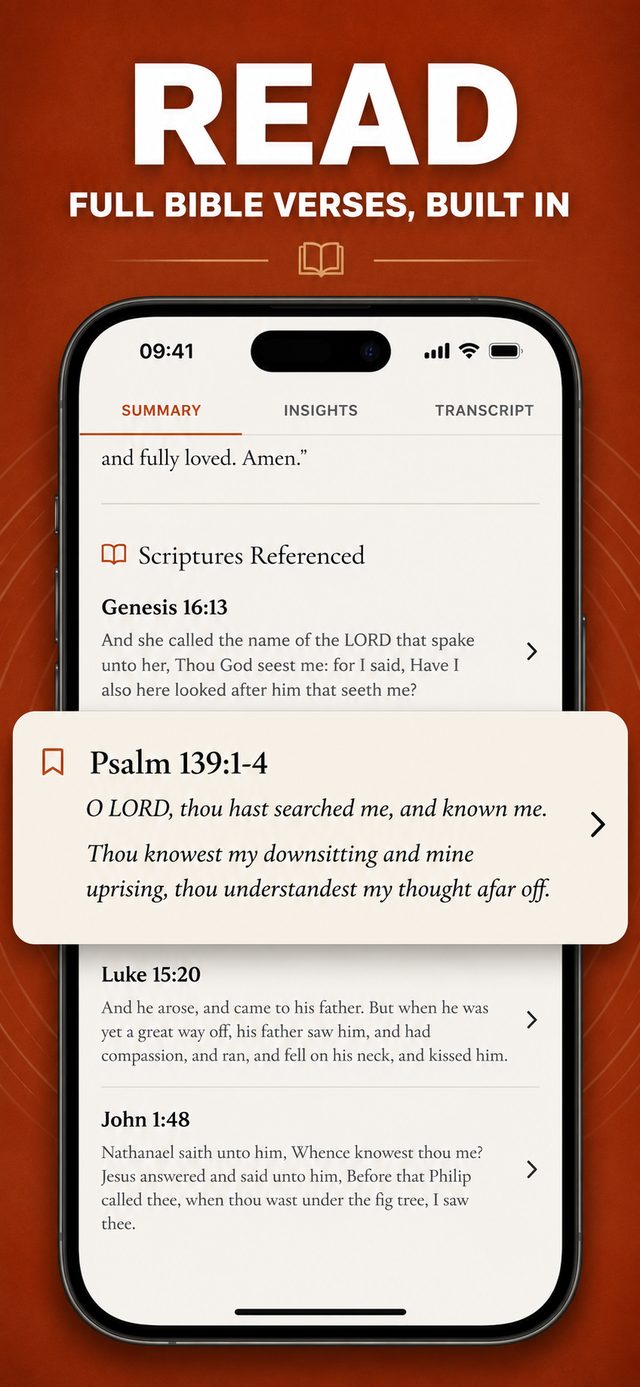
Record, listen, then open your sermon archive.
The app turns a recording or YouTube link into one sermon entry.
- 1.0
Press record — or paste a link.
Tap record when the sermon starts. For a YouTube sermon, paste its link instead.
- 2.0
Put your phone away.
Lock the screen or place the phone face-down. If you add a note, the app saves it at that point in the recording.
- 3.0
Open the finished sermon entry.
After transcription finishes, the app saves the transcript and linked verses in your sermon archive.
Take the full tourEvery screen, up close
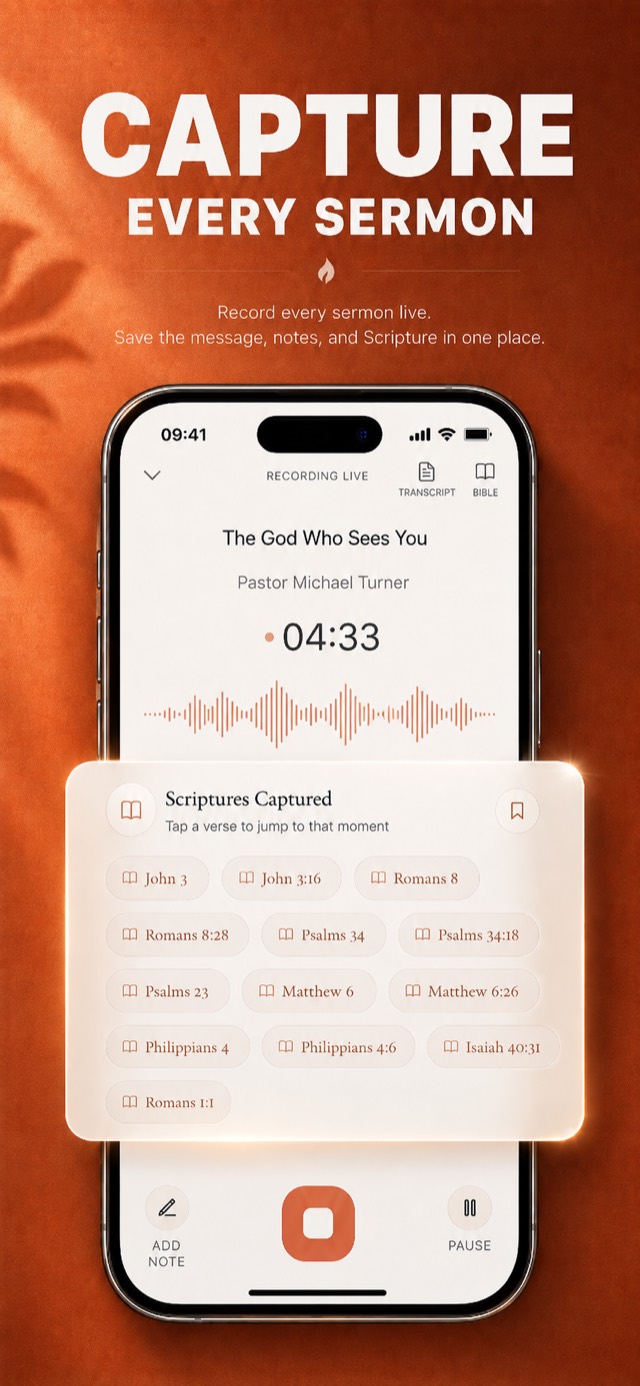
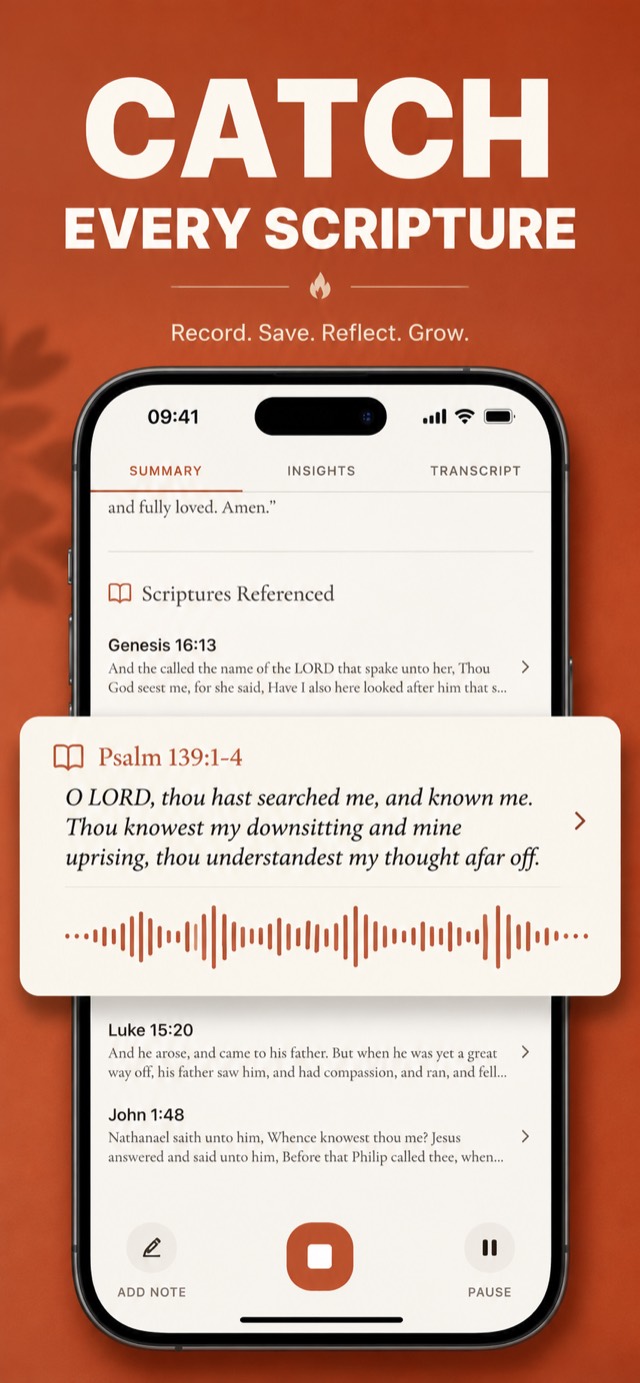
Use the archive three ways.
Hear the sermon without stopping to write. Reopen the message months later. Send a verse or quote to someone else.
Guides for recording and revisiting sermons.
Learn how to record, transcribe, summarize, organize, and share a sermon.
Questions people ask.
Recording, storage, Bible translations, battery use, and pricing.
Can Sunday Notes AI transcribe a YouTube sermon?
Does it find the Bible verses a pastor mentions?
Is my sermon data private?
Do I have to type during the service?
Will I remember the sermon after Sunday?
Can I record a sermon on my iPhone with this?
Does it write a summary of the sermon?
Can I share a verse or quote from the sermon?
Is this a Bible app with sermon notes built in?
How do I keep my sermon notes organized?
How accurate is the transcription?
Will it drain my battery or eat my data?
Does it work with my translation?
How much does it cost?
The app stores your archive on your phone.
The app stores each sermon on your phone. It sends audio to the transcription service. It sends the transcript to the summarization service. It does not create an account or cloud sermon library. Delete a sermon to remove its local files.
Start your free trial.
Open the app and press record when the sermon starts. After transcription finishes, open the same entry to read the transcript, linked verses, summary, and takeaways.
Start free trialThe app shows the subscription price before you confirm. iPhone only today, Android coming soon.